✯ COLLAB-NETTSIDA ✯
Så koselig at du tar turen innom dette nyoppstartede prosjektet for alle som er nysgjerrige på å skrive eller lage ting de synes er fett - i fellesskap med andre som også savner en sånn møteplass!OM PROSJEKTET!!
Gjennom å starte opp dette formbare prosjektet på et alternativt internett, har visjonen min hele veien vært å ta tilbake internett gjennom menneskemøter - på tvers av landegrenser og andre barrierer som til vanlig kan skape avstander. På den måten kan internett være et fellesskap hvor man deler tanker, utvider horisonten og lærer og blir inspirert av andre mennesker. Det er jo bare verdens kuleste ting - menneskemøter og samtidig gjøre noe man digger - skape hva enn man føler for, rett og slett fordi det er gøy!!Her samles det diverse tekster og andre uttrykksformer fra fjernt og nært - for avstand på nettet, den er vel i grunn like stor - vi er alle surfere på det verdensomspennende nettet.
Så la deg rive med, ta deg en tur innom her hvis du vil lese noe eller se på noe som generativ KI ikke har kunnet nære seg engang! For her kommer det fra hjertet, og med et ønske om å skape fordi det er gøy - og det skal ikke se ut på en viss måte. Alle uttrykk er velkomne her. Så lenge du har lyst, så er det som oftest et tegn på at det kommer fra et sabla fint sted.
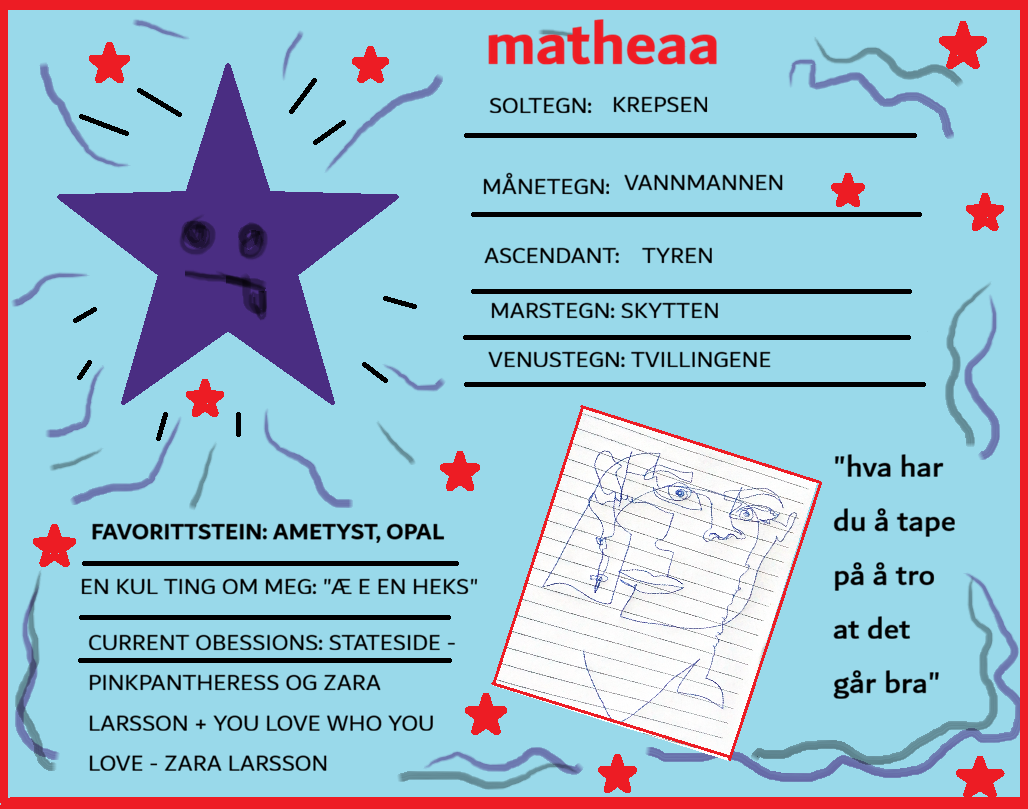
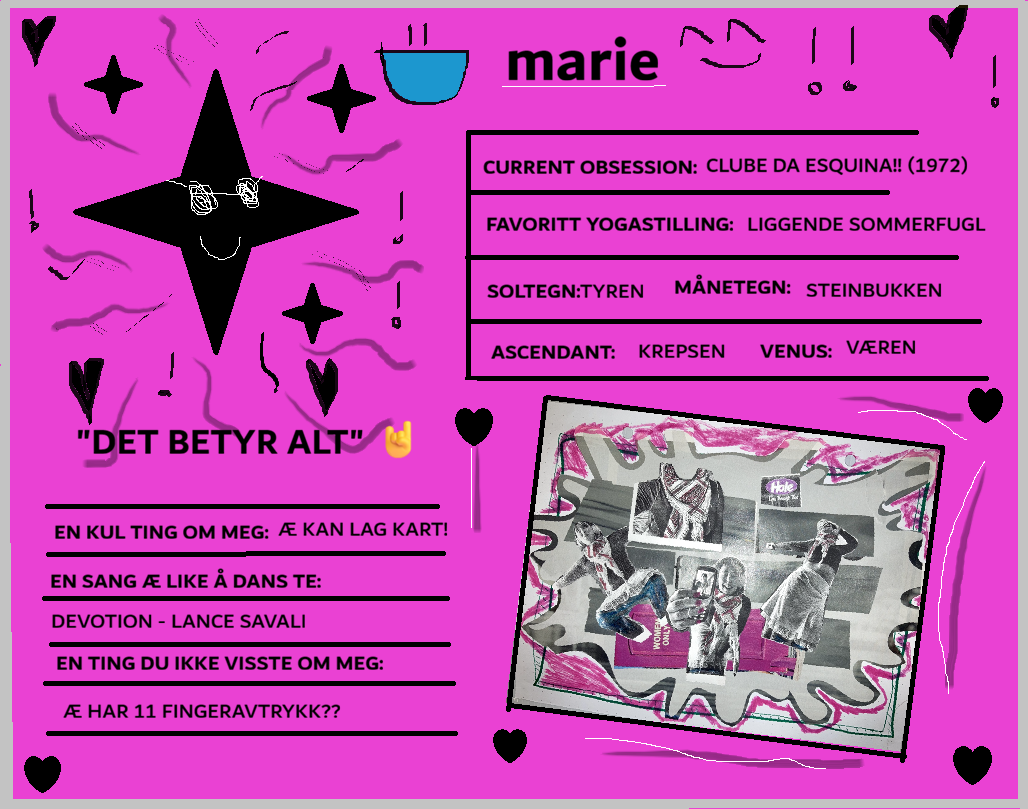
Jeg gleder meg til å se flere sånne søte plakater om folk etter hvert - det er virkelig bare å ta kontakt om dette er noe som virker gøy!!!
Kontakt meg på marie_rodahl@hotmail.com for å høre mer, eller drøfte tanker eller stille spørsmål om prosjektet. ^_^